2006
sprunki - rebooted
sprunki retake more bonus z remix copy
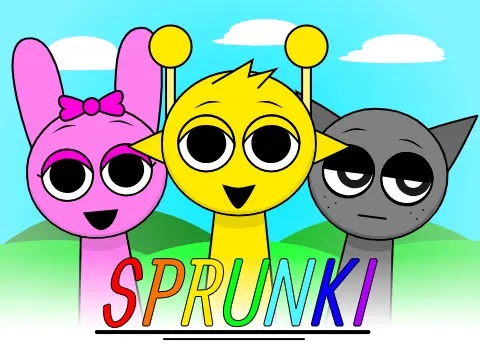
incredibox sprunki but i removed the horror
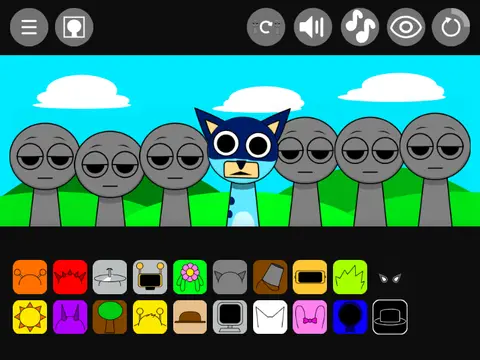
incredibox - sprunki bluey
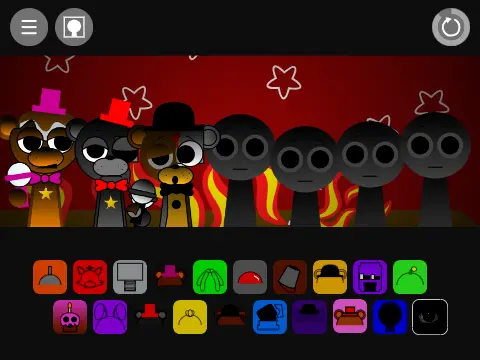
sprunki - freddy but more fnaf characters now with horror versions
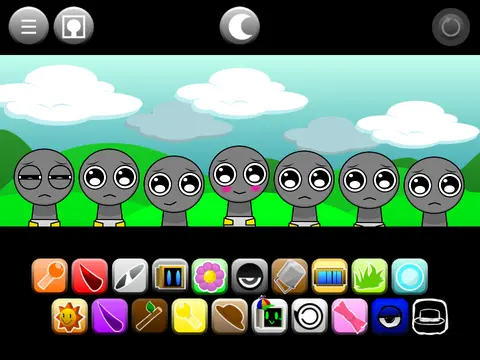
incredibox - phase 0 gray is happy and sus sprunkbies
incredibox sprunki retake d
sprunki - incredibox translated 50 times
sprunki incredibox remix-2
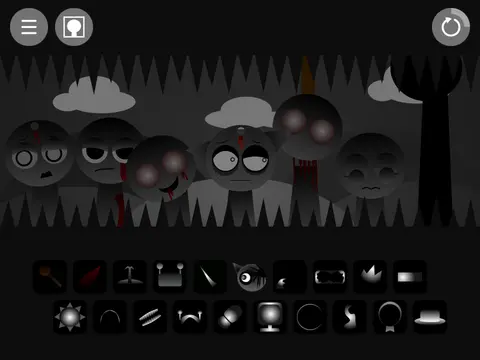
incredibox - sprunki phase 3 remix v3
incredibox - sprunki
mogbox sprunki song i made in suno ai
sprunki game v3
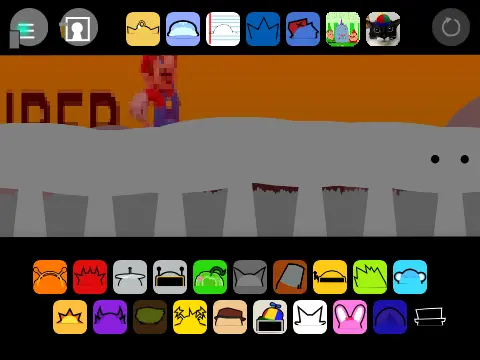
sprunki retake google translated 100 times
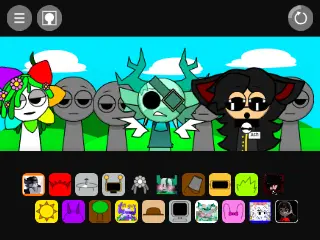
incredibox - sprunki in my version v2
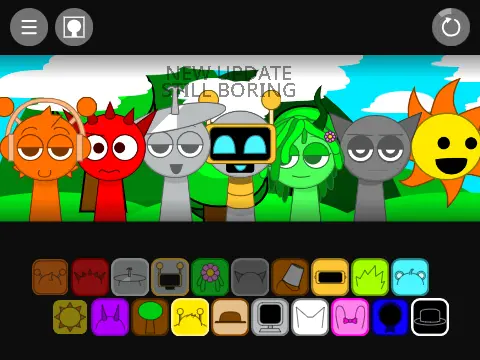
sprunki - restyled
incredibox sprunki lol edition alive
sprunki retake but placeholders 5
interactive gray simulator a sprunki fangame voice acting
incredibox - sprunki poppy playtime update
sprunki pero modificado
sprunki retake
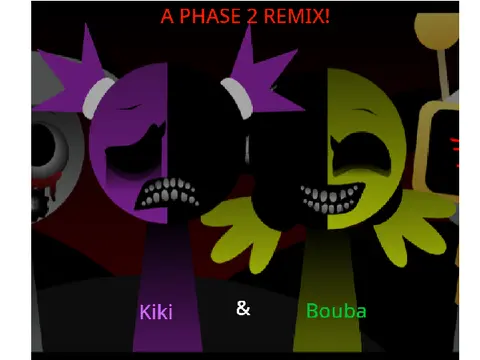
kiki & bouba phase 2 remix sprunki swapped retextured
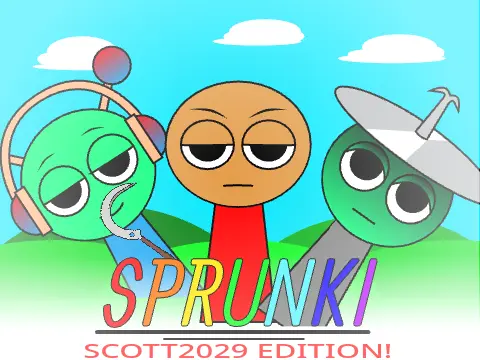
sprunki scott2029 edition
Sprunki Clicker
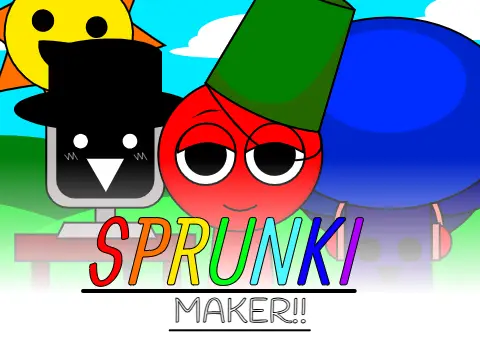
sprunki maker
incredibox - sprunki x sprunki retake
sprunki oc real 4
sprunki touch
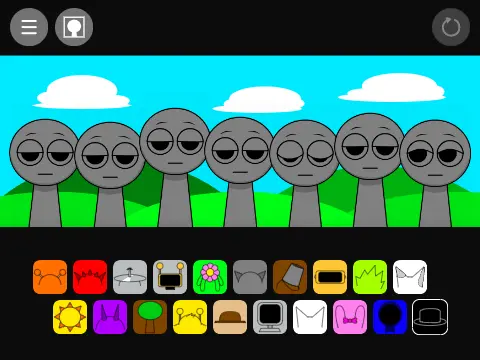
sprunki in scratch remix
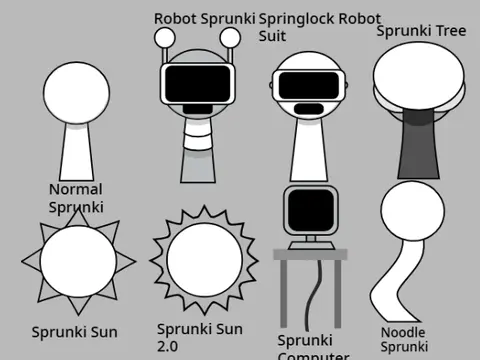
sprunki assets
sprunki - freddy but more fnaf characters now with horror versions
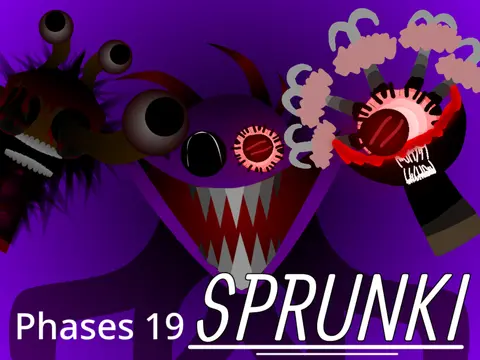
sprunki phase 19
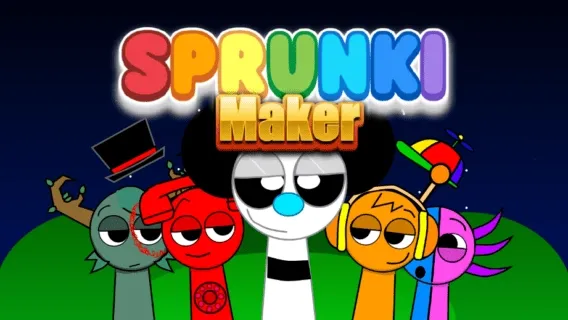
sprunki maker
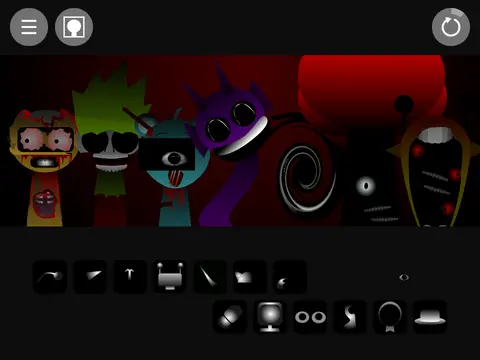
sprunki phase 3 v3
sprunkui -sprunki-incredibox
tyler and snowi sprunki
sprunki phase 5 old version 2.1 play
sprunki deluxe edition new update
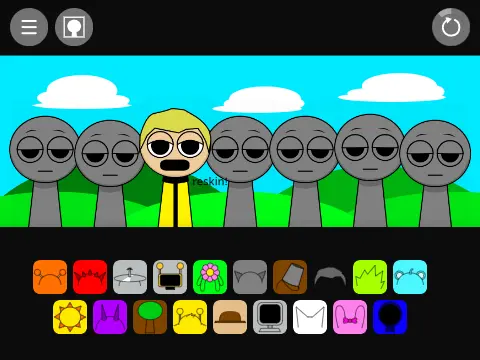
sprunki reupload
incredibox sprunki phase 65
Sprunki Cancelled Update
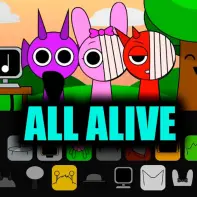
Sprunki But Everyone Is Alive
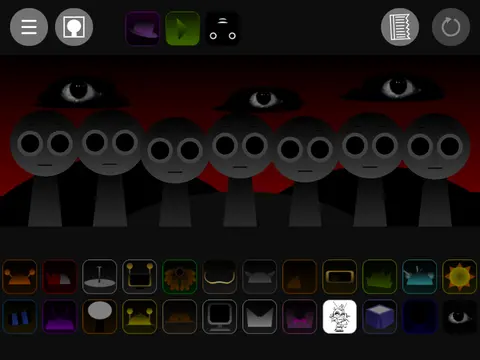
sprunkibox - sprunki phase 1.0
bluey as sprunki
incredibox sprunki comic
sprunki incredibox v5
Memory Grid
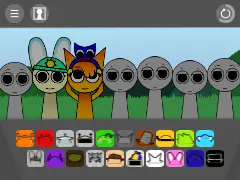
sprunki retake update remix v4
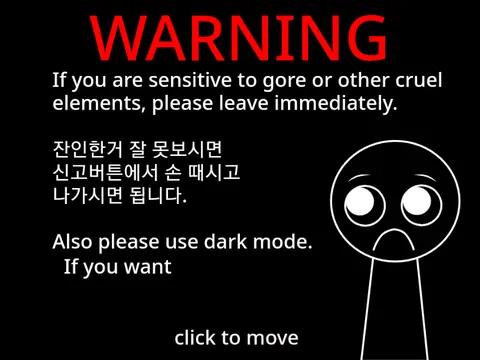
incredibox sprunki phase 27 remix
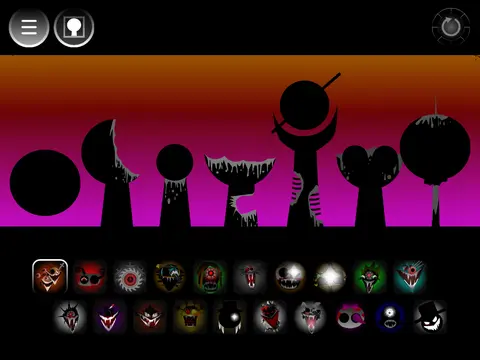
sprunki phase 172
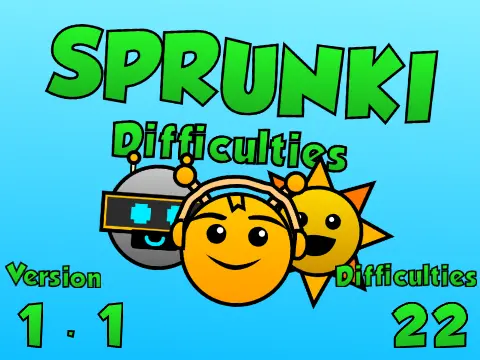
sprunki difficulties version 1.1 scratch
Thanks for playing this Spanish language version of Sprunki! Credits go to Vanchocrack and 4nDy (Andy) for creating this accessible music game. Hope you enjoy the experience!
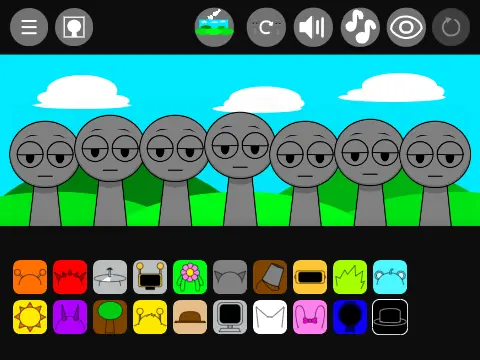
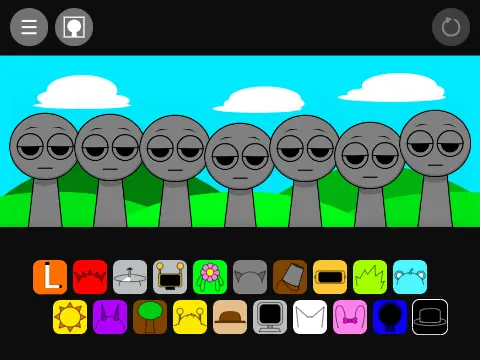
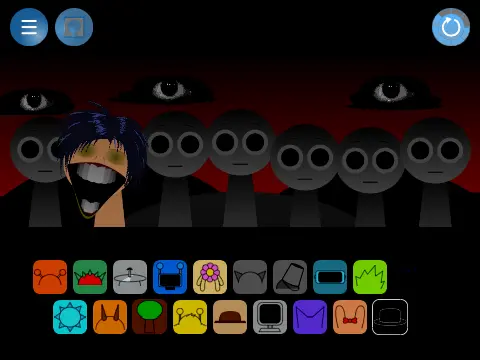
This is a music game called Sprunki. When you start playing, you will see empty character slots in the center. To create music, look at the symbols at the bottom and drag them to any of the empty character slots.
To remove a single character, simply click on it. To remove all characters at once, click the reset arrow button located in the top right corner of the screen. This resets everything for a fresh start.
The black hat can be placed on characters, but there is an important age restriction: if you are under 10 years old, do not use the black hat feature. This content warning ensures appropriate gameplay for younger audiences.
When you hover your mouse over any Sprunki character you have placed, three options appear:
For beginners, it is recommended to start with Mr. Fun/Computer character. The sound design is appealing and likely enjoyable for most players. Characters that combine well with Mr. Fun include the brown hat character and the yellow one with antennae. For more character combinations, explore Sprunki Mr Fun Computers or try different sound mixes in Sprunki Mixer.