1179
sprunki - rebooted
sprunki retake more bonus z remix copy
incredibox sprunki but i removed the horror
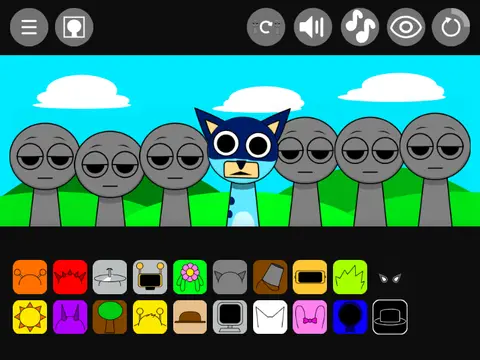
incredibox - sprunki bluey
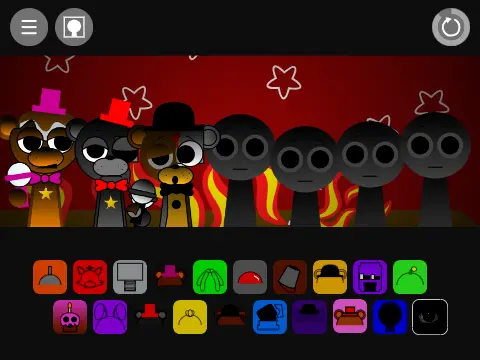
sprunki - freddy but more fnaf characters now with horror versions
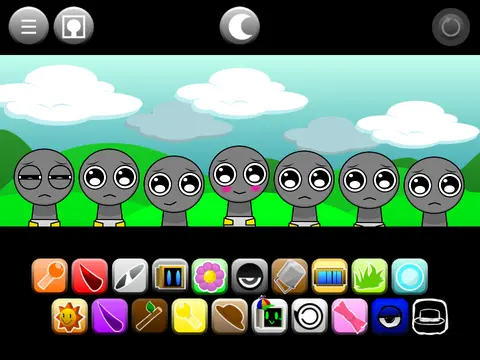
incredibox - phase 0 gray is happy and sus sprunkbies
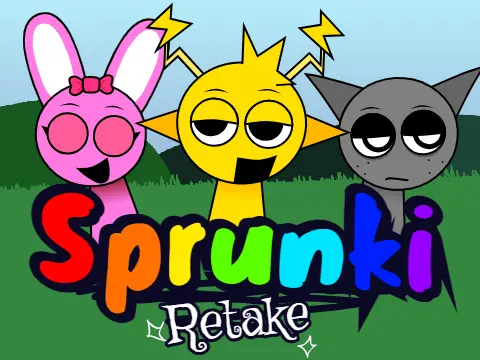
incredibox sprunki retake d
sprunki - incredibox translated 50 times
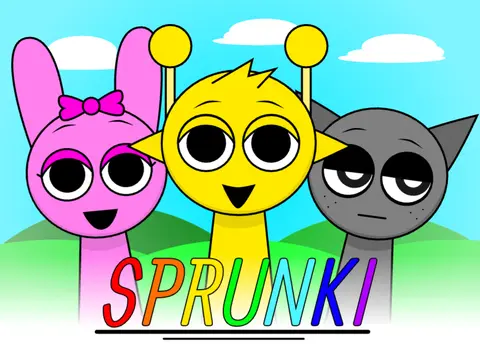
sprunki incredibox remix-2
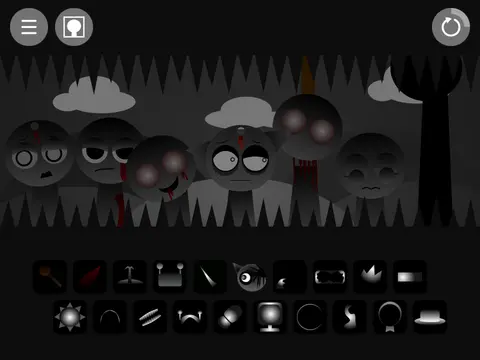
incredibox - sprunki phase 3 remix v3
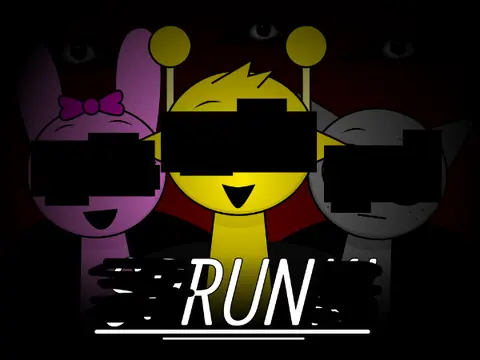
incredibox - sprunki
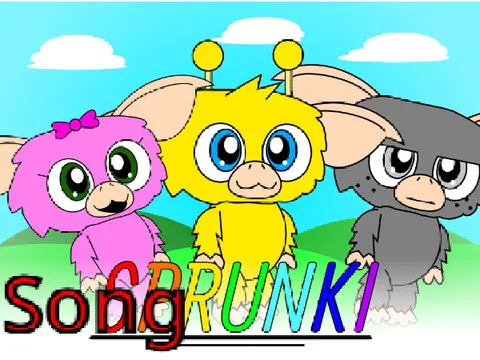
mogbox sprunki song i made in suno ai
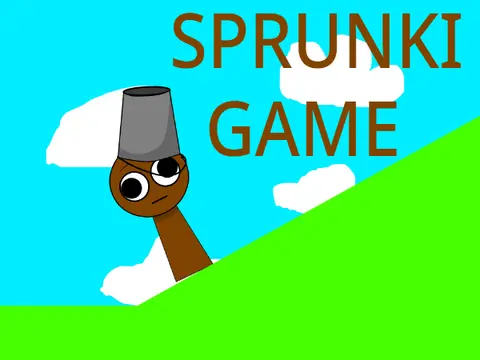
sprunki game v3
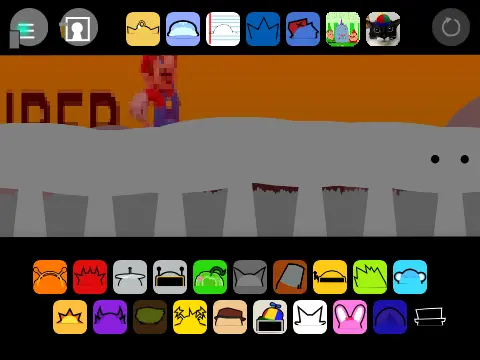
sprunki retake google translated 100 times
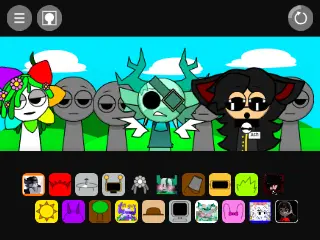
incredibox - sprunki in my version v2
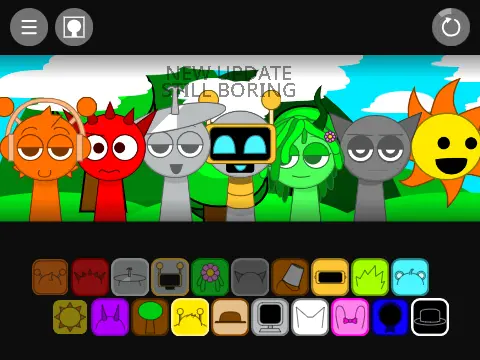
sprunki - restyled
incredibox sprunki lol edition alive
sprunki retake but placeholders 5
interactive gray simulator a sprunki fangame voice acting
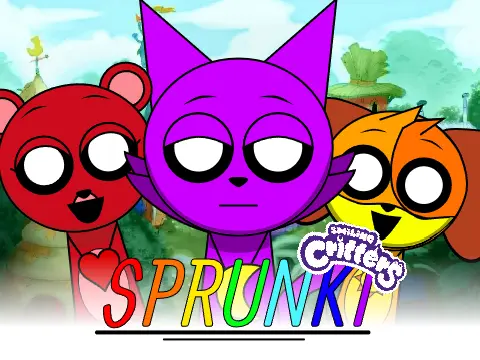
incredibox - sprunki poppy playtime update
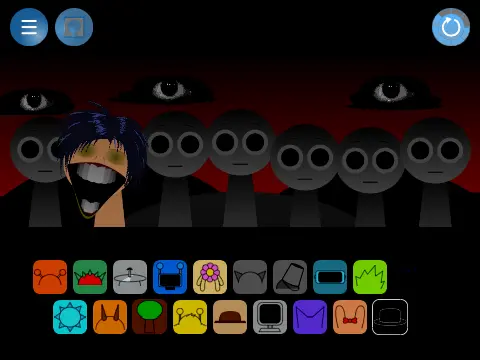
sprunki pero modificado
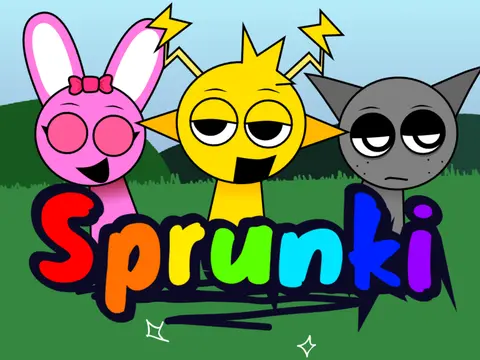
sprunki retake
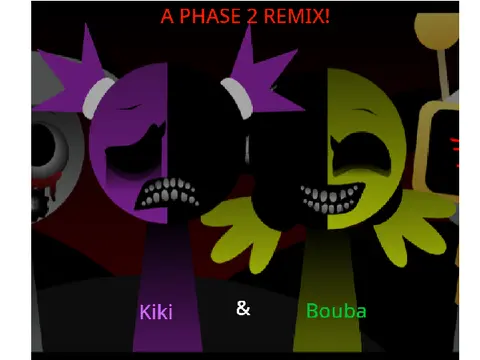
kiki & bouba phase 2 remix sprunki swapped retextured
sprunki scott2029 edition
Sprunki Clicker
sprunki maker
incredibox - sprunki x sprunki retake
sprunki oc real 4
sprunki touch
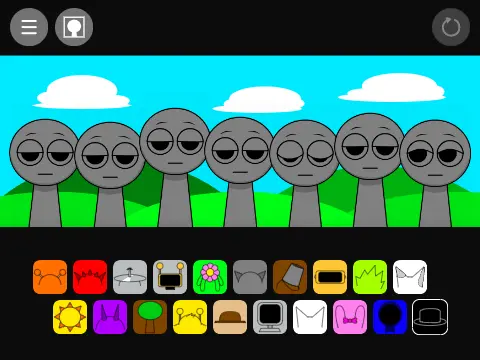
sprunki in scratch remix
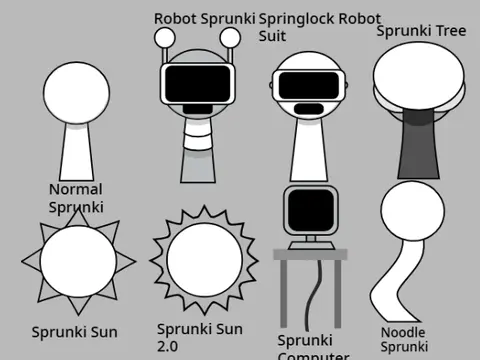
sprunki assets
sprunki - freddy but more fnaf characters now with horror versions
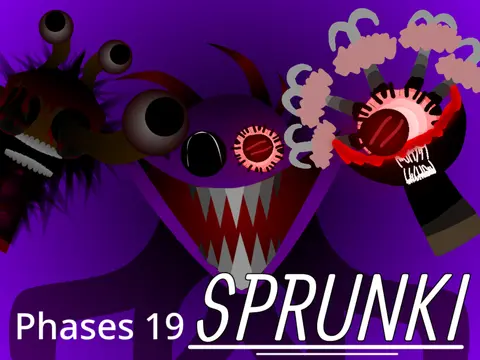
sprunki phase 19
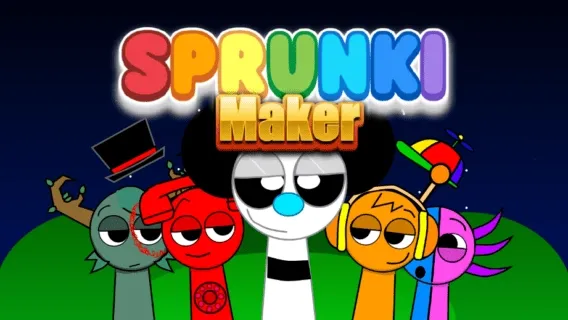
sprunki maker
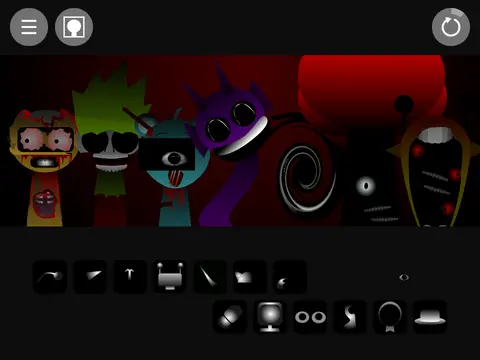
sprunki phase 3 v3
sprunkui -sprunki-incredibox
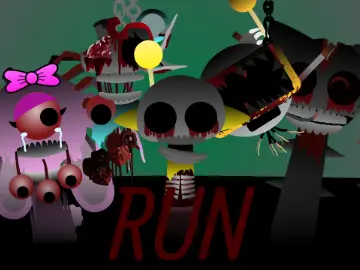
sprunki swapped phase 7
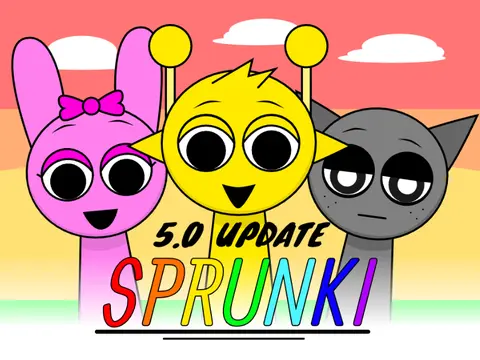
incredibox sprunki version 5.0 update remastered
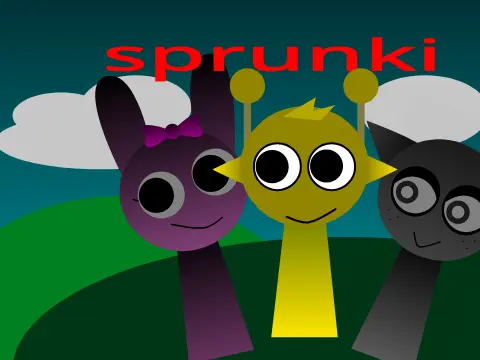
sprunki phase 1 v2
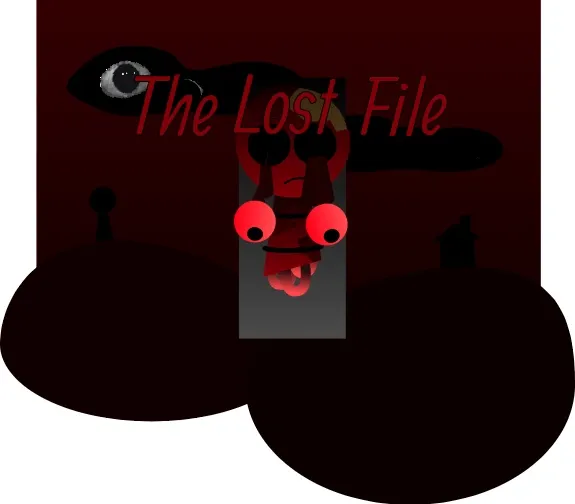
Sprunki Phase 2: The Lost Files
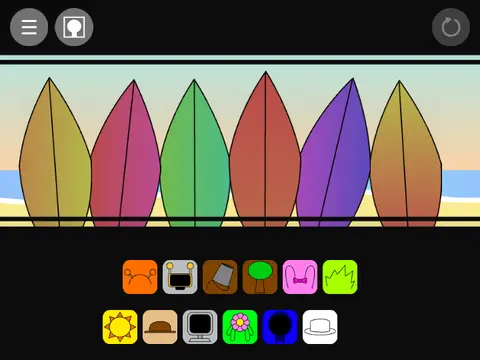
sprunki - summertime beta v1.0 remix
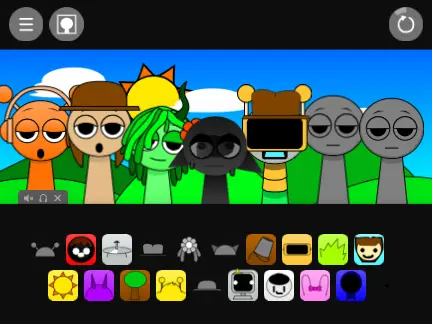
incredibox - sprunki my version
sprunki oc real
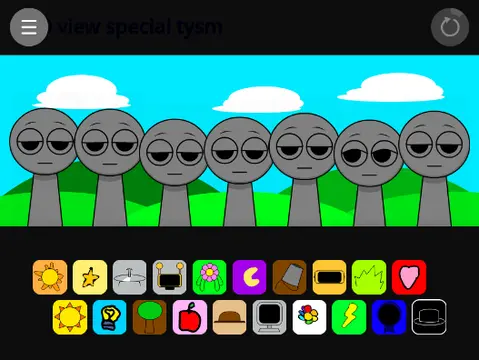
sprunki poppy playtime version
FNF Indie Cross
sprunki x bfdi
smol goobers fin all mo astray x sprunki mod i m not kidding
Sprunki Phase 4.5 Remake
sprunki phase 3.5 definitive
sprunki phase 130
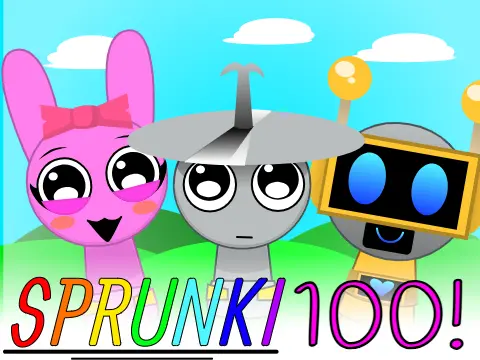
incredibox sprunki 100
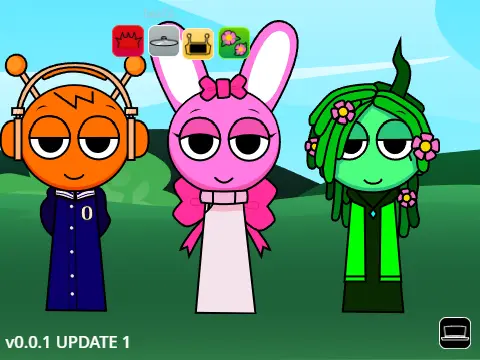
parodybox sprunki oren pinki kiss
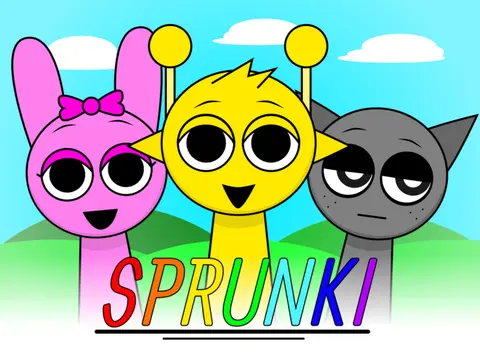
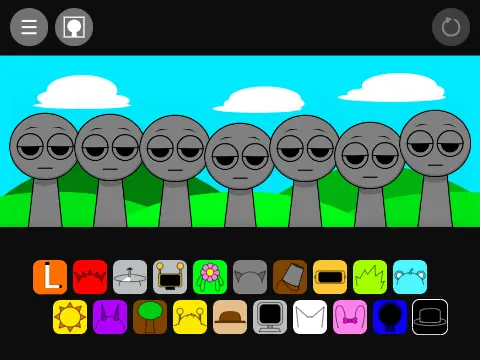
This interactive Sprunki game invites players to explore multiple phases through various activation methods. The project also serves as a creative platform where users can remix and create their own characters, codes, animations, and sounds.
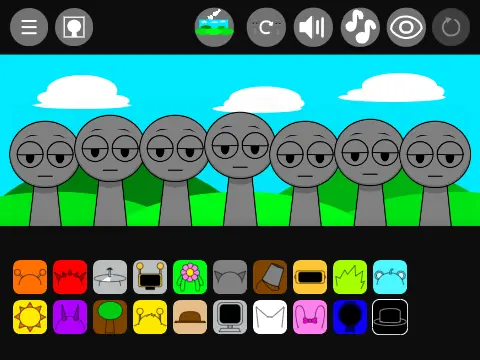
To play normally, simply click the green flag button and drag the squares with icons onto the polos (the normal grey squares that don't make sounds). There are 7 polos available for sound placement.
Phase 2 Activation: Drag the black character to any polo to trigger Phase 2.
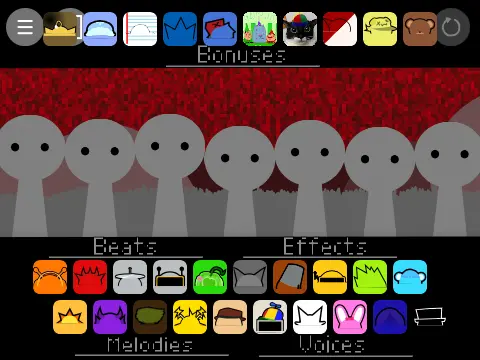
Phase Bot/3 Activation (Method 1): Drag Mr Fun Computer (the singing computer character) to one of the normal grey polos. Wait for Mr Fun Computer to flicker back to normal appearance every few seconds, then click during this flicker window to activate Phase Bot/3.
Phase Bot/3 Activation (Method 2): Click the settings button and locate the "gear in phase 2" option. Toggle this setting to yes/green, then return to the normal game screen. Drag the gear icon to any polo to access Phase 3. Click the restart button in the top right corner to fully enter Phase 3 gameplay.
The creator encourages remixing: "Remix this and create the characters or codes and all you want me to add, remove everything and just show the character's sound, animations, looks, and maybe codes." This open invitation makes the project a collaborative platform for community creativity.
For more phase-based Sprunki games, check out Sprunki Phase Bot or explore other Phase 3 variations. The multiple activation methods add discovery and replay value to the experience.